Claude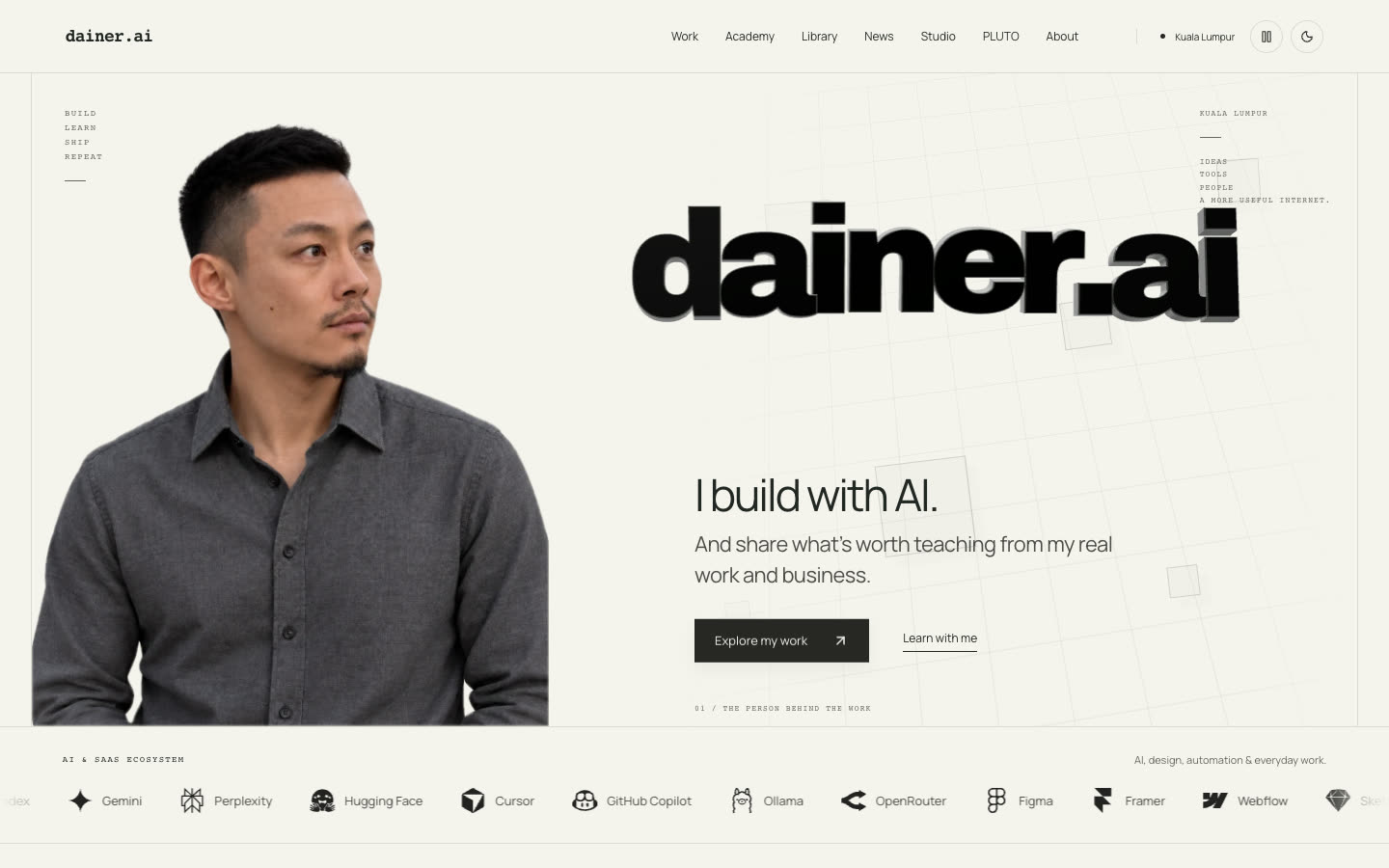
What it fixes
Ask an AI agent for a website and you usually get the same page: a gradient hero, three identical feature cards, a row of logos and a testimonial nobody gave. It looks fine and it looks like everyone else.
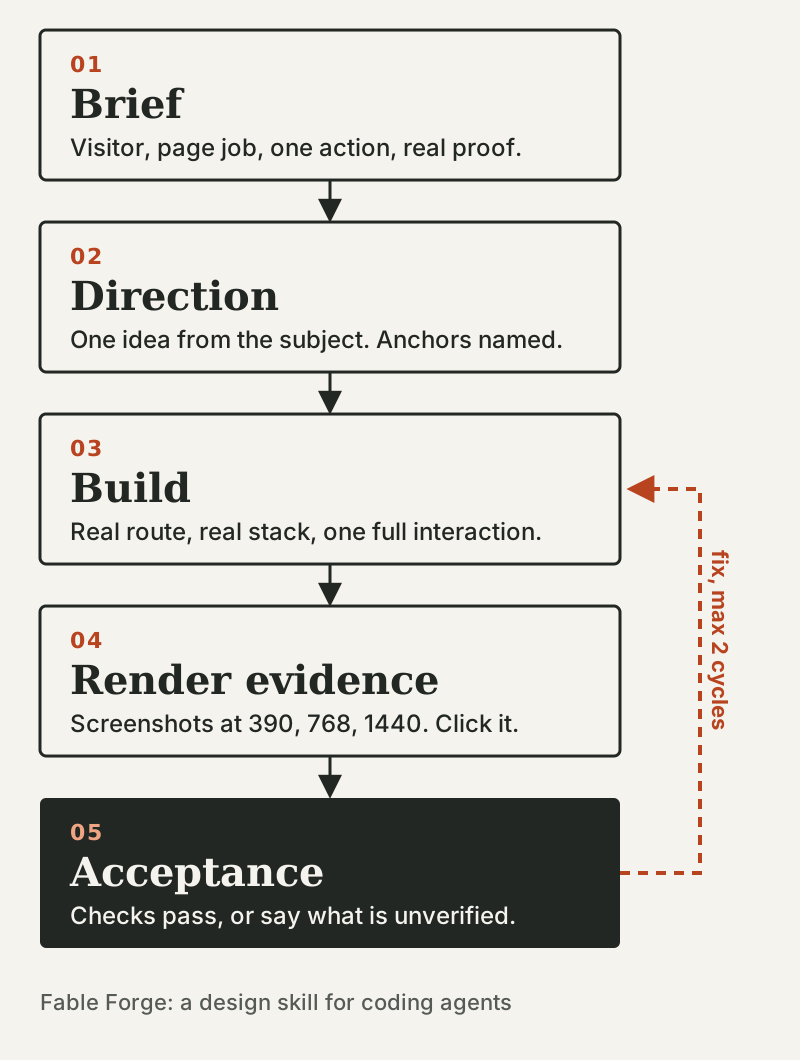
Fable Forge is a skill for Claude Code or Codex that changes the order of work. Before it builds, the agent writes down who the page is for, the one thing a visitor should do, the proof the business can honestly show, and one idea taken from the business itself. Then it builds on your real project, checks the result for 30 signs of the generic AI look, and shows you screenshots at phone, tablet and desktop widths before anyone says "done".
How to use it
Redesign a page. Open your site's project in Claude Code and say:
You get the direction note first: who visits, what they need, the main action, what proof is real, and the one idea the design will carry. Change anything you disagree with, then say OK. It builds the first screen and shows you screenshots at phone width (390 pixels) and desktop width (1440). For a new direction it stops there for your review before doing the other pages.
Fix one thing, not everything. Say "Use fable-forge: the pricing section is crowded on phones, fix only that." It treats this as a small fix: it keeps the page's look and content, changes only what solves the problem, and checks the same phone view again.
Try a new idea. For a concept, the idea comes from the subject. Kopi Senja is a concept study of an evening kopitiam: the page invites you to drag the sun down and watch the shop's neon take over. It is not a real shop, and the page says so.

Read the check at the end. The agent lists every template sign it still finds and where it is, for example "gradient headline text, top of the home page" or "three feature cards with identical text lengths, services section". Then it names the three changes that would help most. It is a list with locations, not a score.
The rules it keeps
- No invented reviews, client logos, user counts or prices on a real business site. A concept is labelled as a concept.
- Build on your own pages and components, not in a separate demo app.
- Nothing is "done" without screenshots at phone and desktop widths (and tablet where it matters), plus the main interaction working.
Start in 15 minutes
- Install it:
git clone https://github.com/Rebelzxr/fable-forge.git, thencd fable-forgeand./install.sh. For Codex, run./install.sh ~/.codex/skillsinstead. - Restart your agent.
- Open a real site project and use the redesign prompt above on one page.
- Approve the first screen before it builds the rest.
For the screenshots, your agent needs a browser tool or Playwright. Without one, it marks the visual check as unverified instead of pretending it looked.
What it will not do
- It will not make taste decisions for you. It gives a direction and a list of problems; you choose.
- Screenshots prove the page renders and works at those sizes. They do not prove it will sell. That still needs real visitors.
Where it comes from
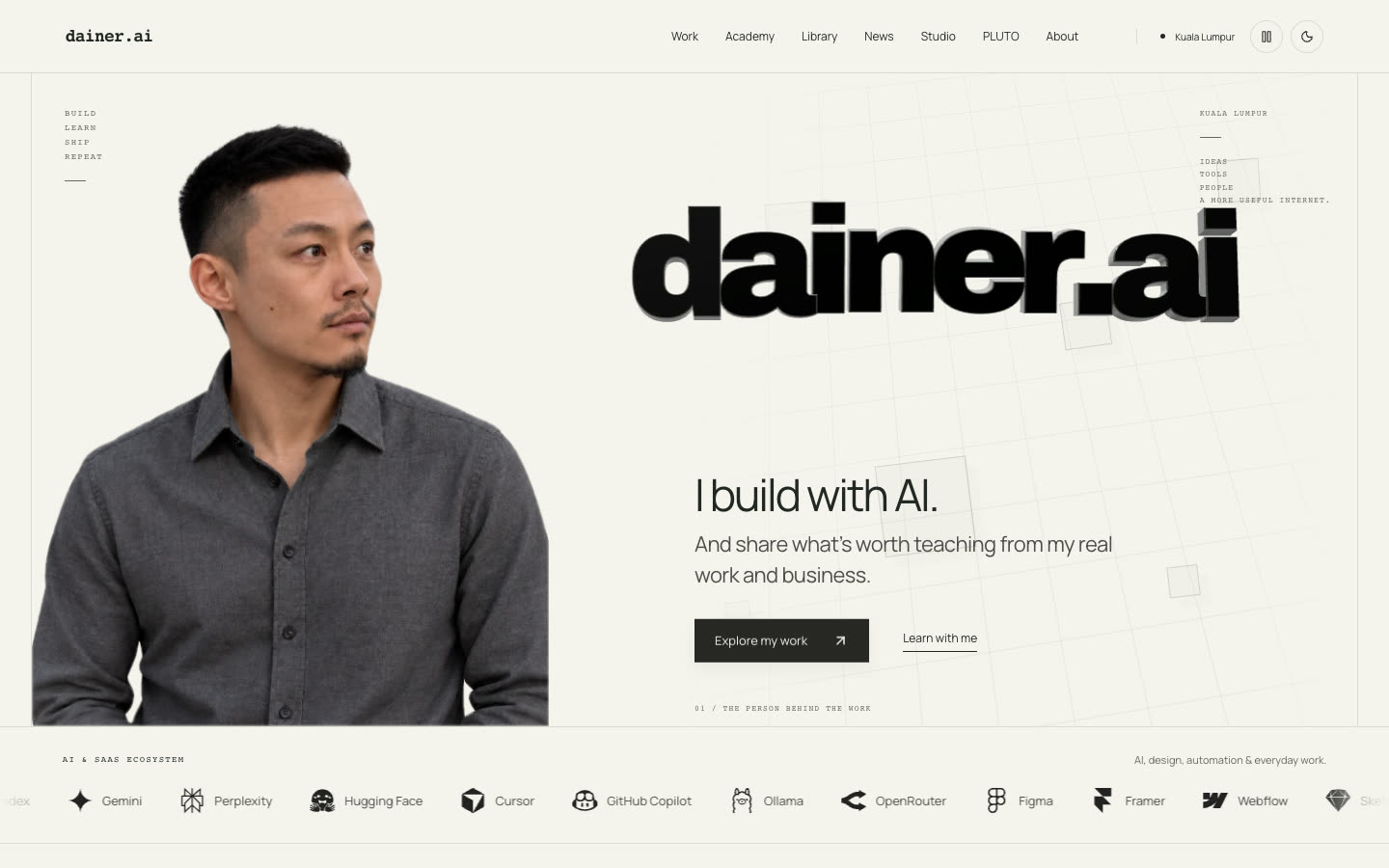
This is the design standard behind dainer.ai and my studio concepts. Those pages went through several tools and rounds, so treat them as examples of the standard, not as the output of this skill alone. It adapts ideas from Anthropic's open frontend-design skill (Apache-2.0), with credit in the repo.